Free Text to Speech Online: Turn Text into Natural Audio
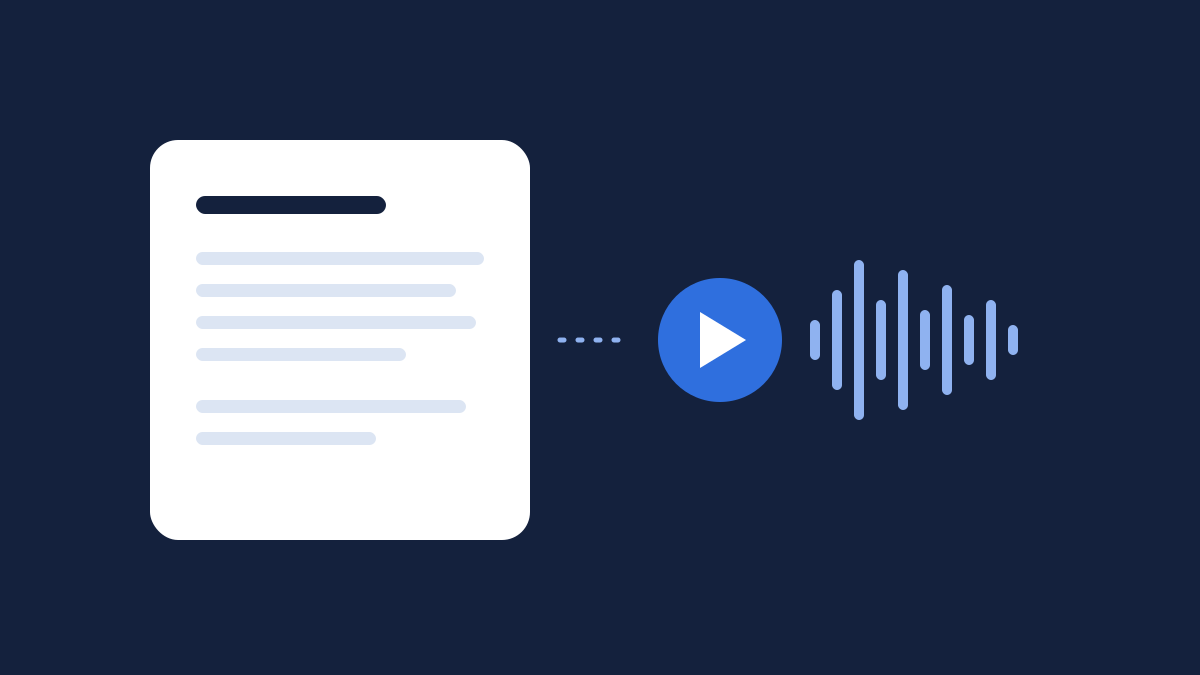
Text to speech turns written text into spoken audio. It is useful far beyond accessibility: you can listen to an article while cooking, hear how an email sounds before you send it, check a script out loud, or create a short voice-over without recording yourself.
Speecher's text to speech tool is free, runs in the browser and reads text aloud in more than 130 languages. Here is how to use it and how to get the most natural result.
How to convert text to speech
- Open the text to speech page.
- Type or paste your text. You can use up to 5,000 characters at a time.
- Choose a voice.
- Press Convert to speech. The audio plays in the page after a few seconds.
- Use Download MP3 to save the file.
There is no language setting. The language is detected from your text, so you can paste Turkish, Japanese or Swahili and it is read in that language.
Choosing a voice
Speecher offers six voices, each with its own character:
- Kore: firm, good for instructions and announcements.
- Puck: upbeat, suits light and friendly content.
- Charon: informative, a calm choice for explanations and articles.
- Aoede: breezy and relaxed.
- Sulafat: warm, works well for stories and personal messages.
- Achird: friendly and conversational.
The quickest way to choose is to convert the same short sentence with two or three voices and compare. Converting the same text with the same voice again is instant, because the audio is reused.
Tips for more natural audio
- Punctuation sets the rhythm. Commas and full stops create pauses. A long sentence without punctuation is read in one breath.
- Write numbers and abbreviations the way you want them heard. If "1/2" could be read as a date or a fraction, write "one half" or "the first of February".
- Long texts are handled for you. Texts up to 5,000 characters are split at sentence breaks and joined into a single MP3.
- Read it once yourself. Typos are read exactly as written, so a quick check saves a second conversion.
Read a web page or a dialogue
Use Read a web page to paste a link: the text of the article is placed in the box, where you can shorten or edit it before converting. Turn on Two voices (dialogue), start each line with A: or B:, and pick a second voice to hear a conversation read by two different speakers.
What people use it for
- Proofreading by ear. Hearing your own text makes missing words and clumsy sentences easy to notice.
- Listening instead of reading. Turn a short article or notes into audio for a walk or a commute.
- Language practice. Hear how a sentence sounds in the language you are learning. See our guide on text to speech for language learners.
- Quick voice-overs. Create narration for a slide, a short video or a demo.
Keep your audio
If you are signed in, every audio you create is saved in your profile, where you can play it again, download it or delete it. If you are not signed in and decide to create an account afterwards, the audio you just made is added to your new profile.
Frequently asked questions
Is it really free?
Yes. You can convert up to 5,000 characters at a time, a limited number of times per day, without an account.
Which languages are supported?
More than 130, including English, Spanish, Turkish, Arabic, Hindi, Japanese and Swahili. There are also pages in Turkish, Spanish, German and other languages.
What format is the audio?
MP3, which plays on any phone, computer or video editor.